EasyIDD Lite1.0
Publisher Description
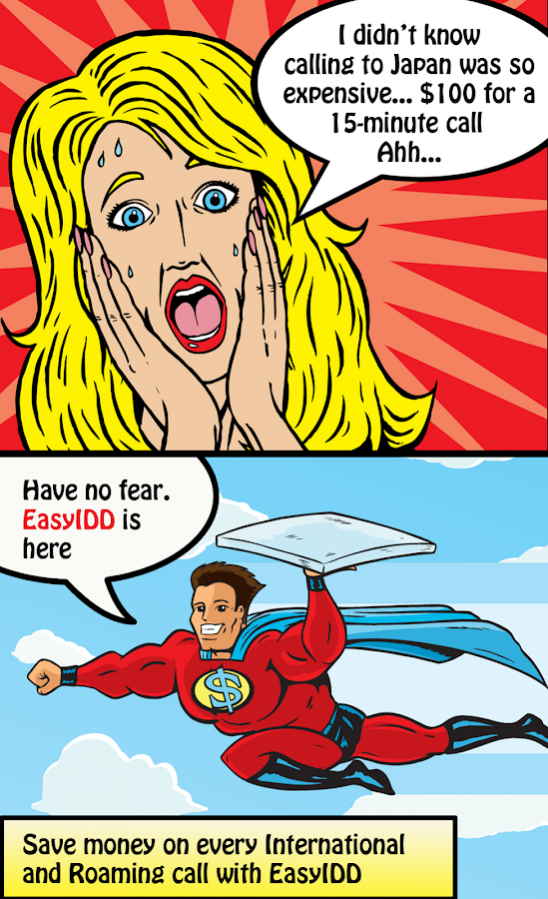
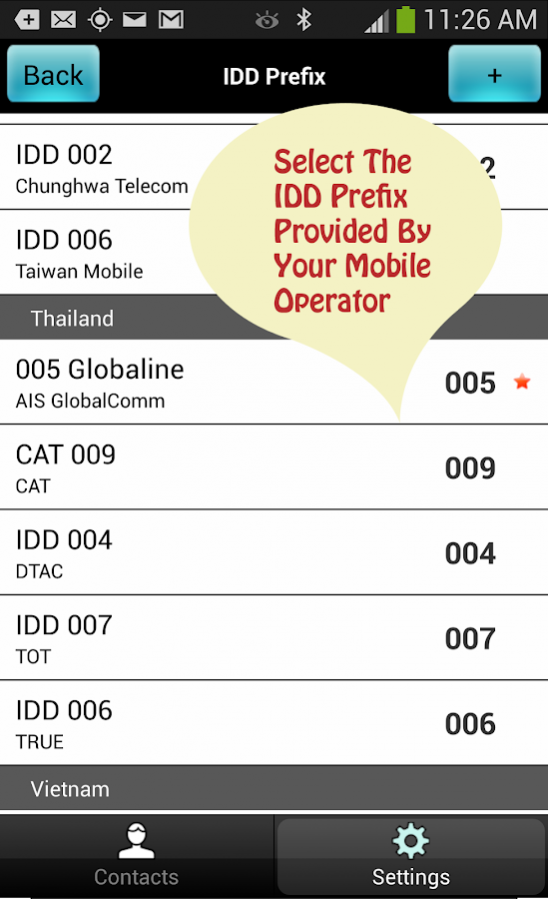
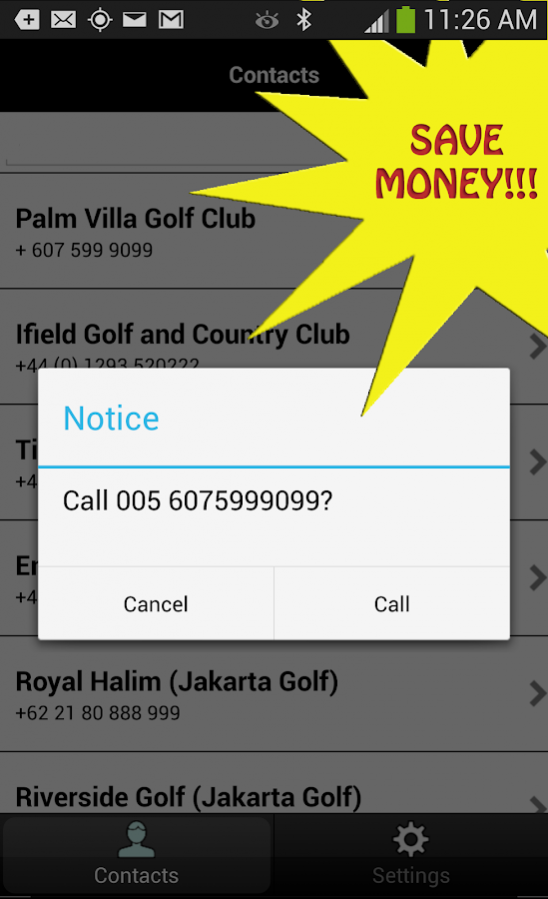
Some mobile operators offer cheaper alternatives to calling overseas by applying a special prefix before the phone number. Knowing and memorising these prefixes can often be a headache, but further editing the phone number in your Contacts list and applying them can lead to all sorts of data integrity issues sometimes even leading to duplicate or incorrect data.
EasyIDD is the answer that automatically applies the call prefix with each call without having to edit individual phone numbers ensuring savings across every international or roaming call.
FEATURES
◆ No need to edit your contacts each time you make an International call
◆ No need for duplicate contacts, i.e. one phone number with the (+) and another with (some IDD code)
◆ Includes IDD and Call Back Home dialling prefixes from Cambodia, China, Hong Kong, Indonesia, Japan, Korea, Malaysia, Singapore, Taiwan, Thailand, and Vietnam.
◆ Supports dial string formats including +, 00, 0011, and 011 so no need to worry about how your phone numbers are formatted for international dialling
About EasyIDD Lite
The company that develops EasyIDD Lite is Jazo Mobi Pte Ltd. The latest version released by its developer is 1.0.
To install EasyIDD Lite on your Android device, just click the green Continue To App button above to start the installation process. The app is listed on our website since 2013-10-31 and was downloaded 61 times. We have already checked if the download link is safe, however for your own protection we recommend that you scan the downloaded app with your antivirus. Your antivirus may detect the EasyIDD Lite as malware as malware if the download link to com.hvtsoft.jazomobi.easyidd.lite is broken.
How to install EasyIDD Lite on your Android device:
- Click on the Continue To App button on our website. This will redirect you to Google Play.
- Once the EasyIDD Lite is shown in the Google Play listing of your Android device, you can start its download and installation. Tap on the Install button located below the search bar and to the right of the app icon.
- A pop-up window with the permissions required by EasyIDD Lite will be shown. Click on Accept to continue the process.
- EasyIDD Lite will be downloaded onto your device, displaying a progress. Once the download completes, the installation will start and you'll get a notification after the installation is finished.
